Photo Mechanic Keyboard Shortcuts – FREE Download

Can you help? If you find this helpful, please consider making a small donation to support human-generated content and keep this site free to all. Thanks! - Dan

In my free eBook, 10 Incredible Tools For Professional Photographers, I dedicated a whole chapter to the power of Photo Mechanic. If you’re not yet familiar with the software then I suggest you grab the book and take a look. Honestly, it’s a workflow life changer!

The range of possibilities in the software means that there is also an extensive list of keyboard shortcuts to help speed things up even further. Since the whole point of Photo Mechanic is to create a fast and super efficient workflow, it really makes sense to use these shortcuts, perhaps more so than with any other piece of photo software.

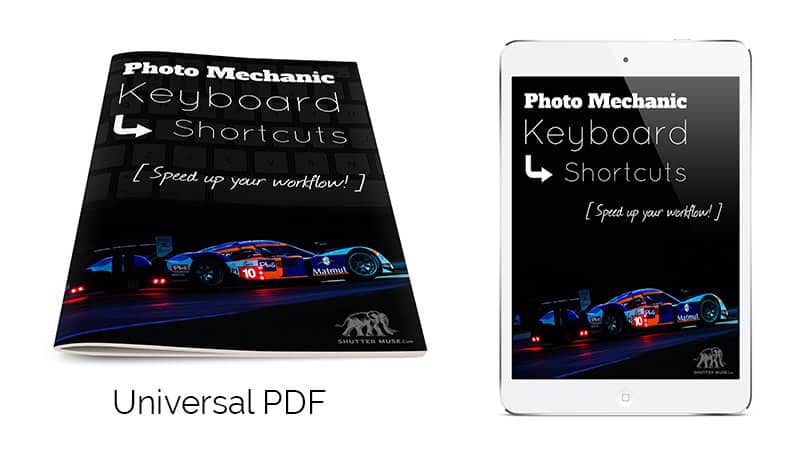
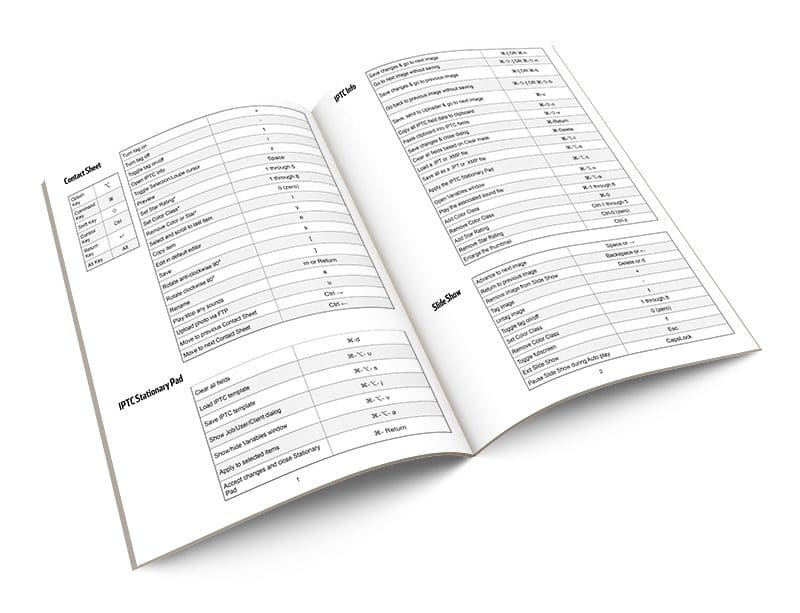
Below you will find a list of the keyboard shortcuts, but I also wanted to give you guys something that you can take away and easily refer to in the field (or in the press room!), so I’ve created an easy-reference PDF that you can store on your smartphone, laptop or tablet and always have it to hand. I know what it’s like with shortcuts… we remember the basic ones pretty easily, but after periods of inactivity with specific software we forget a few of the other ones. No need to remember where to look on the internet though with this handy guide!

Get the PDF eBook Version For Free

pair-of-renders
spread-render-800

If you want a nice, printable version of this table to keep in your bag, or just on your smartphone, hit the button below.


Shortcut List (Mac)

Keyboard Symbols

Click here to skip down to the PC shortcut list.

Option KeyโŒฅ
Command KeyโŒ˜
Shift Keyโ‡ง
Control KeyCtrl
Return Keyโ†ต
Alt KeyAlt

Contact Sheet

Turn tag on+
Turn tag off
Toggle tag on/offt
Open IPTC Infoi
Toggle Selection/Loupe cursorz
PreviewSpace
Set Star Rating*1 through 5
Set Color Class*1 through 8
Remove Color or Star*0 (zero)
Select and scroll to last iteml
Copy itemy
Edit in default editore
Saves
Rotate anti-clockwise 90โฐ[
Rotate clockwise 90โฐ]
Renamem or Return (โ†ต)
Play/stop any soundsa
Upload photo via FTPu
Move to previous Contact SheetCtrl – โ†’
Move to next Contact SheetCtrl – โ†

Preview Window

Close Preview WindowEsc or โŒ˜-w
Move back/forward one imageโ†, โ†’
Scroll thumbnails by pageโ†‘, โ†“, PgUp, PgDn
Delete current itemDelete or Backspace
Toggle rendering quality (RAW/JPEG)q
Turn zoom on/offz or *
Increase zoom+
Decrease zoom
Toggle shadown
Toggle highlightb
Link the two previewsl
One up viewo
2-up view (horizontal)v
2-up view (vertical)h
Switch active pane in 2-upTab
Toggle color managementc
Full screen mode on/offf
Restore from full screen morer
Swap items in 2-up viewg or /
Set Color Class*1 through 8
Set Star Rating*1 through 5
Remove Star or Color*0 (zero)
Set Color ClassโŒ˜-1 through 8
Remove Color ClassโŒ˜-0
Set Star RatingCtrl-1 through Ctrl-5
Remove Star RatingCtrl-0 (zero)
Toggle tag on/offt or . (period)
Uploadu
Toggle crop toolx
Remove cropโŒฅ-x
Rotate anti-clockwise 90โฐ[
Rotate clockwise 90โฐ]
Play/Stop audio soundsa
IPTC Infoi
Add to selected itemsw
DeselectDelete or Backspace
Copyy
Renamem
EditEsc or โŒ˜-w
Saves
Panning CursorSpace or โŒฅ
Pan in the zoomed modeโŒฅ-โ†‘, โ†“, โ†, โ†’
Pan faster in the zoomed modeโ‡ง-โŒฅ-โ†‘, โ†“, โ†, โ†’
Zoom in and outโŒฅ-Scroll
Zoom in and center on clickโŒ˜-click

IPTC Stationary Pad

Clear all fieldsโŒ˜-d
Load IPTC templateโŒ˜-โŒฅ- u
Save IPTC templateโŒ˜-โŒฅ- s
Show Job/User/Client dialogโŒ˜-โŒฅ- j
Show/hide Variables windowโŒ˜-โŒฅ- v
Apply to selected itemsโŒ˜-โŒฅ- a
Accept changes and close Stationary PadโŒ˜- Return (โ†ต)

IPTC Info

Save changes & go to next imageโŒ˜-[ OR โŒ˜-n
Go to next image without savingโŒ˜-โ‡ง-] OR โŒ˜-โ‡ง-n
Save changes & go to previous imageโŒ˜-[ OR โŒ˜-b
Go back to previous image without savingโŒ˜-โ‡ง-[ OR โŒ˜-โ‡ง-b
Save, send to Uploader & go to next imageโŒ˜-u
Copy all IPTC field data to clipboardโŒ˜-โ‡ง-c
Paste clipboard into IPTC fieldsโŒ˜-โ‡ง-v
Save changes & close dialogโŒ˜-Return
Clear all fields based on Clear maskโŒ˜-Delete
Load a .IPT or .XMP fileโŒ˜-โŒฅ-l
Save all as a .IPT or .XMP fileโŒ˜-โŒฅ-s
Apply the IPTC Stationary PadโŒ˜-โŒฅ-c
Open Variables windowโŒ˜-โŒฅ-v
Play the associated sound fileโŒ˜-โŒฅ-a
Add Color ClassโŒ˜-1 through 8
Remove Color ClassโŒ˜-0
Add Star RatingCtrl-1 through 5
Remove Star RatingCtrl-0 (zero)
Enlarge the thumbnailCtrl-z

Slide Show Controls

Advance to next imageSpace or โ†’
Return to previous imageBackspace or โ†
Remove image from Slide ShowDelete or d
Tag image+
Untag image
Toggle tag on/offt
Set Color Class1 through 8
Remove Color Class0 (zero)
Pause Slide Show during Auto playCapsLock

File Menu

New Contact Sheet windowโŒ˜-โ‡ง-n
New Contact Sheet tabโŒ˜-n
Open Contact SheetโŒ˜-o
Close Contact Sheet tab/windowโŒ˜-w
Close windowโŒ˜-โ‡ง-w
IngestโŒ˜-g
Live IngestโŒ˜-โ‡ง-g
Live Slide ShowโŒ˜-โ‡ง-i
Rename PhotosโŒ˜-m
Copy itemsโŒ˜-y
DeleteโŒ˜-Delete
Save AsโŒ˜-s
Burn items to discโŒ˜-b
Send items by emailโŒ˜-โ‡ง-e
FTPโŒ˜-u
UploadโŒ˜-Ctrl-u
ExportโŒ˜-Ctrl-x
Page SetupโŒ˜-Ctrl-p
PrintโŒ˜-p

Edit Menu

UndoโŒ˜-z
RedoโŒ˜-โ‡ง-z
CutโŒ˜-x
CopyโŒ˜-c
PasteโŒ˜-v
Take IPTC SnapshotโŒ˜-โŒฅ- c
Paste IPTC SnapshotโŒ˜-โŒฅ- v
FindโŒ˜-f
Find and ReplaceโŒ˜-โ‡ง-f
Search using SpotlightโŒ˜-โŒฅ- f
Select allโŒ˜-a
Deselect allโŒ˜-d
Select tagged itemsโŒ˜-t
Select rotated itemsโŒ˜-โ‡ง-r
Invert selectionโŒ˜-โ‡ง-o
Select Color Class 1-8โŒ˜-Ctrl-1 through 8
Select anything with a Color ClassโŒ˜-Ctrl-9
Select items with no Color ClassโŒ˜-Ctrl-0 (zero)
Select Star Rating 1-5โŒ˜-โŒฅ-1 through 5
Select anything with a Star RatingโŒ˜-โŒฅ-6
Select anything without a Star RatingโŒ˜-โŒฅ-0 (zero)
Set Code ReplacementsโŒ˜-Ctrl-c
Reload Code ReplacementsโŒ˜-โ‡ง-Ctrl-c
Enter special charactersโŒ˜-โŒฅ-t

View Menu

Toggle combined RAW+JPEGโŒ˜-j
View allF1
View selectedF2
View taggedF3
View untaggedF4
RefreshF5
Rescan Contact SheetโŒ˜- /
Show/hide info tooltipsโŒ˜-โ‡ง-t

Image Menu

IPTC Stationary PadโŒ˜-i
Apply Stationary PadโŒ˜-โ‡ง-i
Keywords panelโŒ˜-k
Structured keywords panelโŒ˜-โŒฅ- k
Rotate anti-clockwise 90โฐโŒ˜-[
Rotate clockwise 90โฐโŒ˜-]
Tag photosโŒ˜- +
UntagโŒ˜- –
PreviewโŒ˜-r
Edit itemsโŒ˜-e
Slide ShowโŒ˜-l
Set Color ClassโŒ˜-1 through โŒ˜-8
Remove Color ClassโŒ˜-0 (zero)
Set Star RatingCtrl-1 through Ctrl-5
Remove Star RatingCtrl-0 (zero)

Application Menu

PreferencesโŒ˜ – , (comma)
Hide Photo MechanicโŒ˜-h
Hide other applicationsโŒ˜-โŒฅ -h
Quit Photo MechanicโŒ˜-q


Photo Mechanic Keyboard Shortcuts (PC)

Keyboard Symbols

Option KeyโŒฅ
Command KeyโŒ˜
Shift Keyโ‡ง
Control KeyCtrl
Return Keyโ†ต
Alt KeyAlt

Contact Sheet

Turn tag on+
Turn tag off
Toggle tag on/offt
Open IPTC Infoi
Toggle Selection/Loupe cursorz
PreviewSpace
Set Star Rating*1 through 5
Set Color Class*1 through 8
Remove Color or Star*0 (zero)
Select and scroll to last iteml
Copy itemy
Edit in default editore
Saves
Rotate anti-clockwise 90โฐ[
Rotate clockwise 90โฐ]
Renamem or Return (โ†ต)
Play/stop any soundsa
Upload photo via FTPu
Move to previous Contact SheetCtrl – โ†’
Move to next Contact SheetCtrl – โ†

Preview Window

Close Preview WindowEsc or Alt-w
Move back/forward one imageโ†, โ†’
Scroll thumbnails by pageโ†‘, โ†“, PgUp, PgDn
Delete current itemDelete or Backspace
Toggle rendering quality (RAW/JPEG)q
Turn zoom on/offz or *
Increase zoom+
Decrease zoom
Toggle shadown
Toggle highlightb
Link the two previewsl
One up viewo
2-up view (horizontal)v
2-up view (vertical)h
Switch active pane in 2-upTab
Toggle color managementc
Full screen mode on/offf
Restore from full screen morer
Swap items in 2-up viewg or /
Set Color Class*1 through 8
Set Star Rating*1 through 5
Remove Star or Color*0 (zero)
Set Color ClassCtrl-1 through 8
Remove Color ClassCtrl-0
Set Star RatingAlt-1 through Alt-5
Remove Star RatingAlt-0 (zero)
Toggle tag on/offt or . (period)
Uploadu
Toggle crop toolx
Remove cropโ‡ง-x
Rotate anti-clockwise 90โฐ[
Rotate clockwise 90โฐ]
Play/Stop audio soundsa
IPTC Infoi
Add to selected itemsw
Deselectd
Copyy
Renamem
Edite
Saves
Panning CursorSpace or โ‡ง
Pan in the zoomed modeโ‡ง-โ†‘, โ†“, โ†, โ†’
Pan faster in the zoomed modeโ‡ง-Ctrl-โ†‘, โ†“, โ†, โ†’
Zoom in and out+ and keypad – +
Zoom in and center on clickCtrl+ left mouse click

IPTC Stationary Pad

Clear all fieldsโŒ˜-Delete
Load IPTC templateCtrl-Alt- i
Save IPTC templateCtrl-Alt- s
Show Job/User/Client dialogCtrl-Alt- j
Show/hide Variables windowCtrl-Alt- v
Apply to selected itemsCtrl-Alt- a
Accept changes and close Stationary PadโŒ˜- Return (โ†ต)

IPTC Info

Save changes & go to next imageAlt-[ OR Ctrl-n
Go to next image without savingAlt-โ‡ง-] OR Ctrl-โ‡ง-n
Save changes & go to previous imageAlt-[ OR Alt-b
Go back to previous image without savingAlt-โ‡ง-[ OR Ctrl-โ‡ง-b
Save, send to Uploader & go to next imageAlt-u
Copy all IPTC field data to clipboardCtrl-โ‡ง-c
Paste clipboard into IPTC fieldsCtrl-โ‡ง-v
Save changes & close dialogCtrl-Enter
Clear all fields based on Clear maskCtrl-Delete
Load a .IPT or .XMP fileCtrl-Alt-l
Save all as a .IPT or .XMP fileCtrl-Alt-s
Apply the IPTC Stationary PadCtrl-Alt-c
Open Variables windowCtrl-Alt-v
Play the associated sound fileCtrl-Alt-a
Add Color ClassCtrl-1 through 8
Remove Color ClassCtrl-0
Add Star RatingAlt-1 through 5
Remove Star RatingAlt-0 (zero)
Enlarge the thumbnailAlt-z

Slide Show Controls

Advance to next imageSpace or โ†’
Return to previous imageBackspace or โ†
Remove image from Slide ShowDelete or d
Tag image+
Untag image
Toggle tag on/offt
Set Color Class1 through 8
Remove Color Class0 (zero)
Pause Slide Show during Auto playCapsLock

File Menu

New Contact Sheet windowCtrl-Alt-n
New Contact Sheet tabCtrl-n
Open Contact SheetCtrl-o
Close Contact Sheet tab/windowCtrl-w
Close windowCtrl-Alt-w
IngestCtrl-g
Live IngestCtrl-Alt-g
Live Slide ShowCtrl-Alt-i
Rename PhotosCtrl-m
Copy itemsCtrl-y
DeleteCtrl-Delete
Save AsCtrl-s
Burn items to discCtrl-b
Send items by emailCtrl-Alt-e
FTPCtrl-u
UploadCtrl-Alt-u
ExportCtrl-Alt-x
Page setupCtrl-Alt-p
PrintCtrl-p

Edit Menu

UndoCtrl-z
RedoCtrl-โ‡ง-z
CutCtrl-x
CopyCtrl-c
PasteCtrl-v
Take IPTC SnapshotAlt- c
Paste IPTC SnapshotAlt- v
FindCtrl-f
Find and ReplaceCtrl-โ‡ง-f
Search using SpotlightCtrl-Alt- f
Select allCtrl-a
Deselect allCtrl-d
Select tagged itemsCtrl-t
Select rotated itemsCtrl-โ‡ง-r
Invert selectionCtrl-โ‡ง-o
Select Color Class 1-8Ctrl-โ‡ง-1 through 8
Select anything with a Color ClassCtrl-โ‡ง-9
Select items with no Color ClassCtrl-โ‡ง-0 (zero)
Select Star Rating 1-5Alt-โ‡ง-1 through 5
Select anything with a Star RatingAlt-โ‡ง-6
Select anything without a Star RatingAlt-โ‡ง-0 (zero)
Set Code ReplacementsCtrl-Alt-c
Reload Code Replacementsโ‡ง-Ctrl-Alt-c

View Menu

Toggle combined RAW+JPEGCtrl-j
View allF1
View selectedF2
View taggedF3
View untaggedF4
RefreshF5
Rescan Contact SheetCtrl- /
Show/hide info tooltipsCtrl-โ‡ง-t

Image Menu

IPTC Stationary PadCtrl-i
Apply Stationary PadCtrl-โ‡ง-i
Keywords panelCtrl-k
Structured keywords panelCtrl-โ‡ง- k
Rotate anti-clockwise 90โฐAlt-[
Rotate clockwise 90โฐAlt-]
Tag photosCtrl- NumLock- +
UntagCtrl- –
PreviewCtrl-r
Edit itemsCtrl-e
Slide ShowCtrl-l
Set Color ClassCtrl-1 through Ctrl-8
Remove Color ClassCtrl-0 (zero)
Set Star RatingAlt-1 through Alt-5
Remove Star RatingAlt-0 (zero)

Application Menu

PreferencesCtrl- , (comma)
Quit Photo MechanicCtrl-q

Was This Post Helpful?

If you found this post helpful, please consider supporting a real person delivering human-generated content. In a world full of inaccurate AI-generated garbage, I strive to continue bringing valuable, real-world content. Help me fight the machines with a small donation here.

Photo of author

Dan Carr

Professional photographer based in Yukon, Canada, and founder of Shutter Muse. His editorial work has been featured in publications all over the world, and his commercial clients include brands such as Nike, Apple, Adobe and Red Bull.

Peak Design Pro Tripods โ€“ All Models Tested and Reviewed

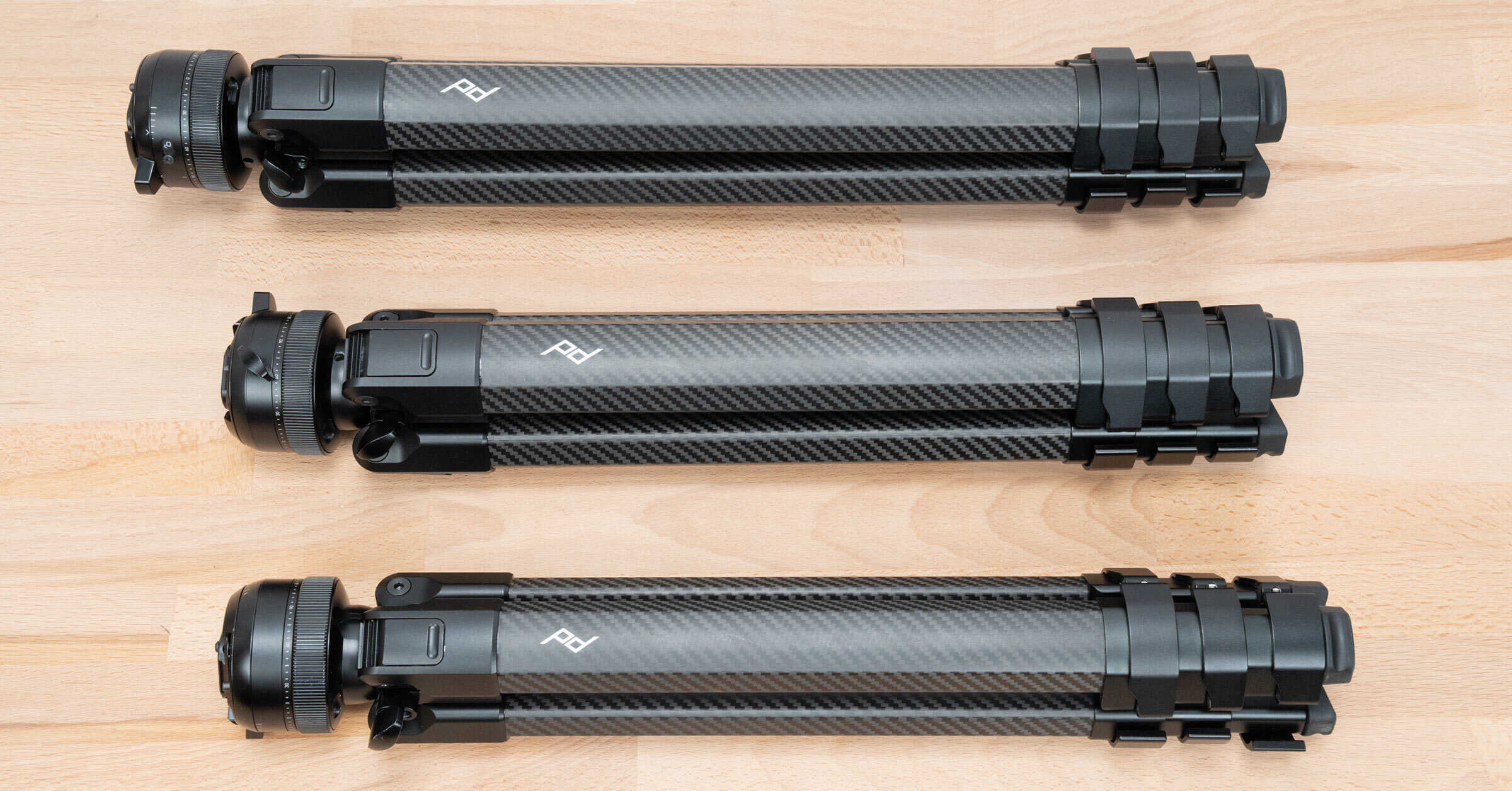
Peak Design Pro Tripods – All Models Tested and Reviewed

Peak Design's lineup of Pro Tripods consists of three models: Pro Lite, Pro, and Pro Tall. I tested and compared them all!

Whatโ€™s the Best All-In-One Tripod Head for Wildlife and Landscapes?

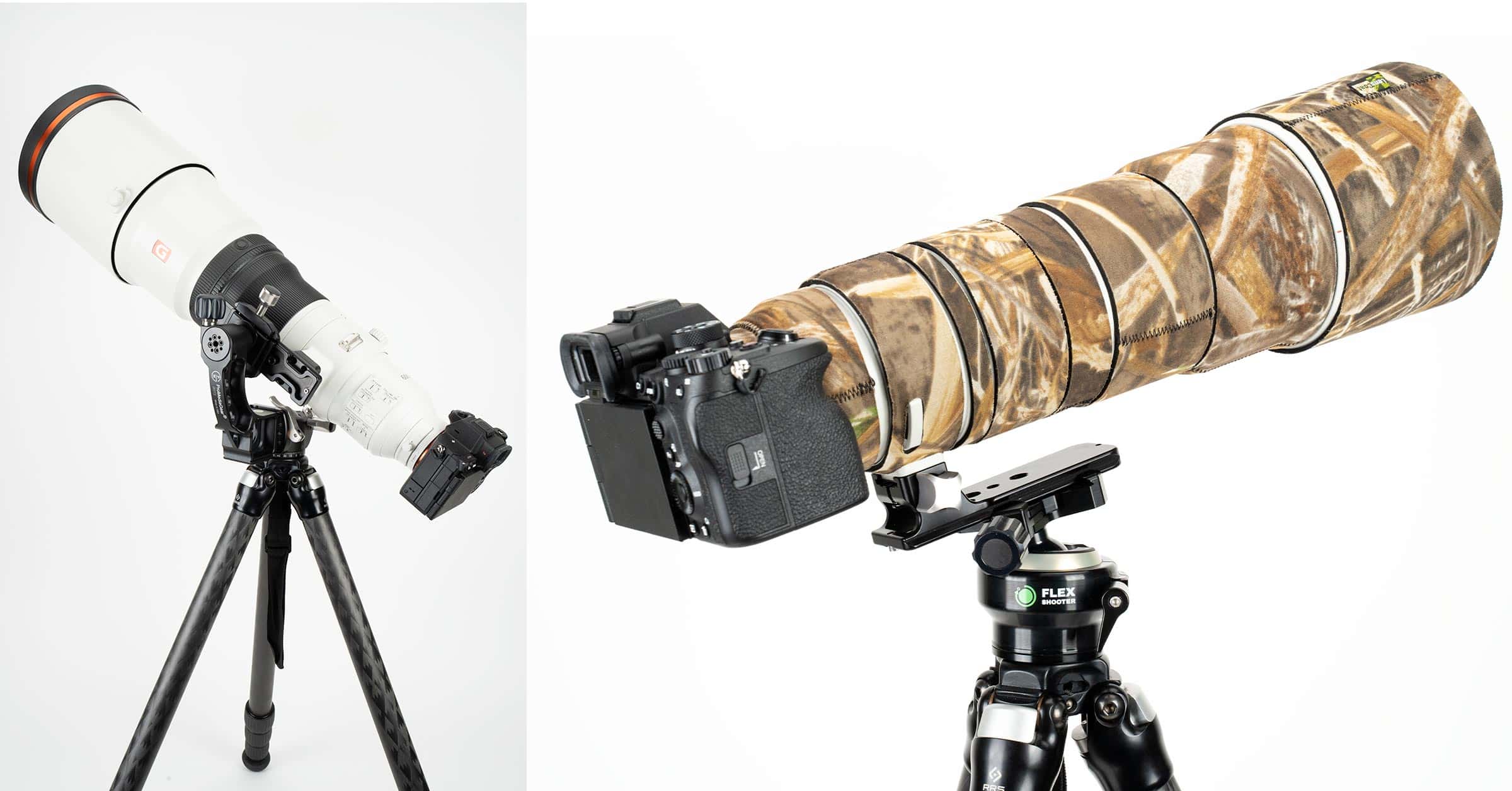
What’s the Best All-In-One Tripod Head for Wildlife and Landscapes?

If you can only have one, which is the best tripod head for a wide variety of photographic genres, from wildlife to landscape and travel?

You May Like

3 thoughts on “Photo Mechanic Keyboard Shortcuts – FREE Download”

  1. Dan, it looks great, and I downloaded the “Tools for Photographers” .. but what do we click for the PM Keyboard Shortcuts? I hit the Tweet button, and sent it out, but nothing unlocked. Thanks

    Reply
    • Hey Carl,

      drop me a note via the contact page and I’ll send you a link. I’m sorry that it did not work for you. That’s the first report I have had like that.

      Reply
      • I think the issue might be that you did not get the tweet posted. I can’t see it on Twitter. Regardless, drop me a message with the contact form (link at top of page) and I’ll send you a link to DL the PDFs.

        Reply

Leave a Comment

Your email address will not be published or shared. Comments that use abusive langugage, fake email addresses and fake names will be marked as spam. Please note that if you include a link in your comment, it will need to be moderated before it appears on the site. Required fields are marked*

By submitting a comment this form also collects your name, email and IP address so that we can prevent spam. For more info check our privacy policy.

Please share with your friends!